
pixx.io integration: use files from your DAM directly in contentbird
With the new pixx.io integration, your team can access files in the pixx.io DAM directly from contentbird. Insert images and other assets straight into texts in the content editor and into social media posts – no more switching between tools, downloading, and re-uploading.
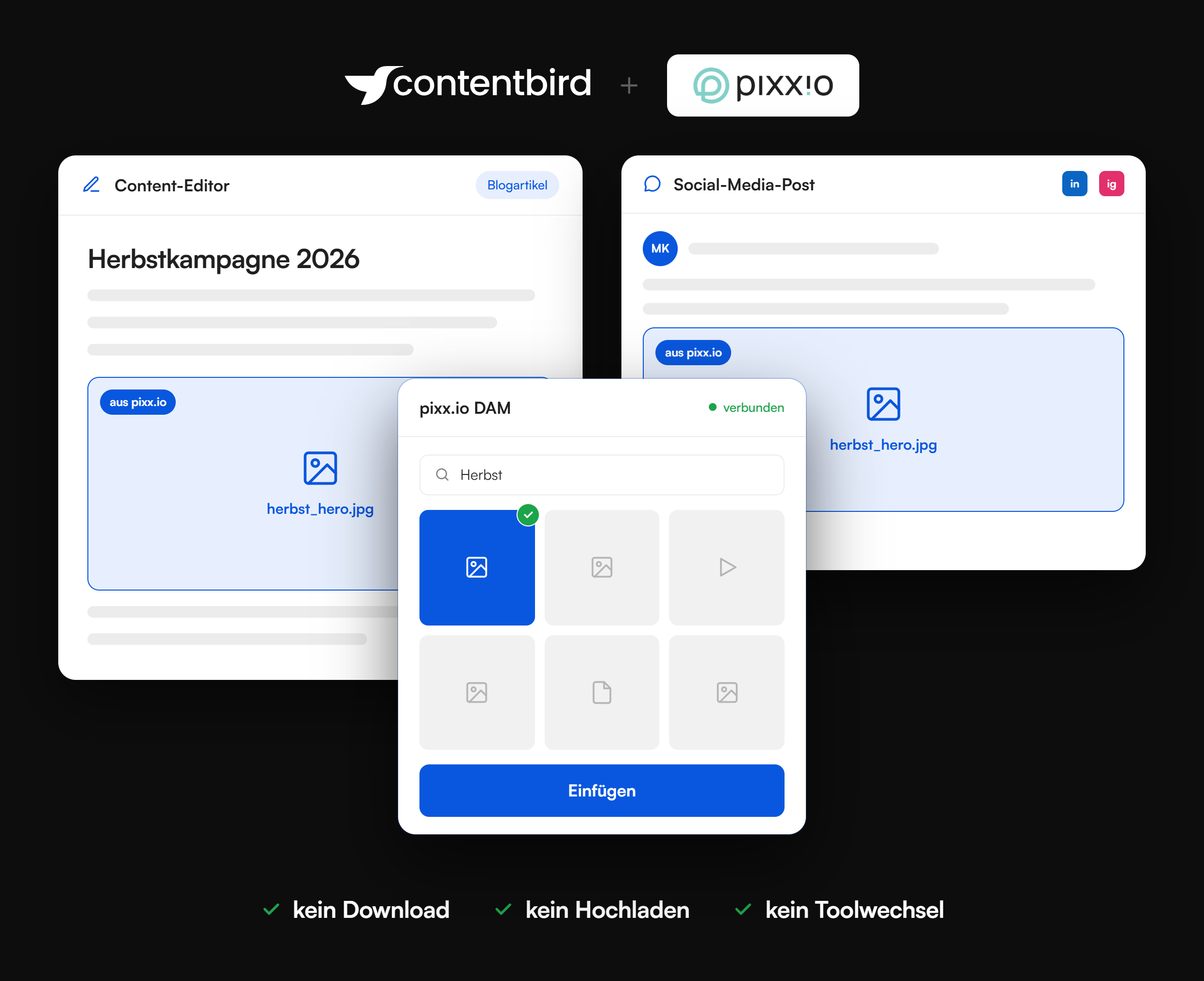


What the pixx.io integration makes possible:
1. Embed images directly in the content editor
Insert product images, graphics, or team photos from the pixx.io DAM directly into the text while you write blog articles and website copy.
2. Visuals for social media posts
Your social media team selects visuals for LinkedIn, Instagram, and other channels directly from the DAM, without downloading and re-uploading.
3. One central source for all assets
Your team works with the files from the pixx.io DAM instead of local copies or outdated versions.
4. Consistent visual language across campaigns
Everyone involved uses the same centrally managed visuals across all channels.
5. Corporate communications without the search
Press images and logos are ready to use the moment you write an announcement.
See the pixx.io integration live
The pixx.io integration in your content workflow

Fewer media breaks
Text and images are created in the same workflow. No more detours via your downloads folder and no re-uploading.

Publish faster
Articles and social media posts get the right visuals without extra steps, right where they are created.

DAM and content operations connected
pixx.io manages the assets, contentbird manages planning, creation, and publishing. The integration makes both systems work hand in hand.
